
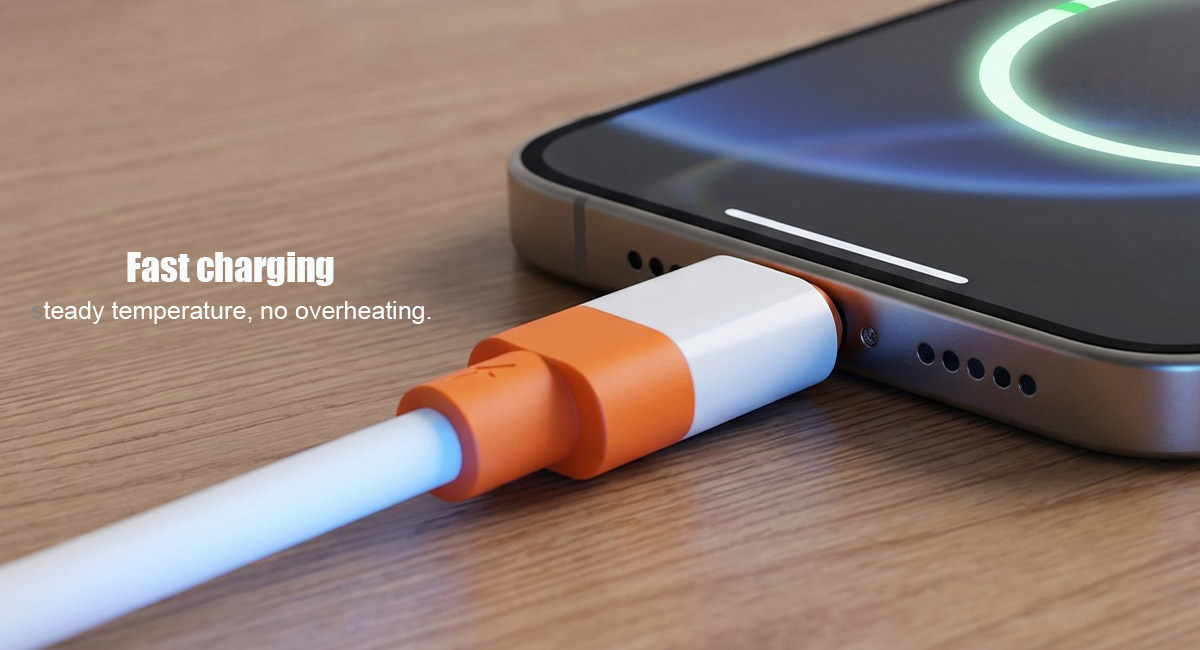
If you have ever stared at a wall of chargers or scrambled to find the right cable for your laptop or smartphone, you have likely encountered two acronyms: PD (Power Delivery) and QC (Quick Charge) . The tech world often treats these as competing standards, leading to a whirlpool of confusion. Do you need a specific cable for each? Will your expensive GaN charger fry your older Android phone? Does QC “talk” to PD?
The short answer is: The cables are physically the same, but the protocols (the “languages” spoken by the chargers) are different. However, the landscape has shifted significantly with the advent of USB-C and universal standards.
Now we will dissect the hardware, the software, the handshake process, and the future of charging, ensuring you never waste money on the wrong accessory again.
Table of Contents
- The Core Question: Is There a Physical Difference in Cables?
- Understanding the Protocols: QC vs. PD – The Languages of Power
- The Handshake: How Your Phone and Charger Communicate
- The Big “What If”: Can QC Compatibility Work with PD?
- The “Dumb Cable” Theory – Why Most Cables Are Universal
- The Exceptions: Proprietary Protocols (VOOC, SuperVOOC, Warp Charge)
- The USB-IF Mandate: How PD 3.0 Changed the Game
- Real-World Scenarios: What Happens When You Mix and Match?
- Buying Guide: What to Look For in 2026
- The Future: USB PD 3.1 and the End of Fragmentation
1. The Core Question: Is There a Physical Difference in Cables?
Let’s start with the hardware, as this is the most common misconception. If you hold a USB-C to USB-C cable that supports 60W charging next to a cable labeled “QC 3.0 Certified,” they will look identical. That is because, at the physical layer, they are.
The Physical Standard:
Both QC and PD operate over the standard USB pinouts. For a cable to support fast charging—regardless of the protocol—it must meet specific electrical requirements:
- Adequate Wire Gauge (Thickness): Fast charging requires high current (Amperes). A standard 3A cable is sufficient for up to 60W (20V x 3A). For 100W or 240W (USB PD 3.1), you need a 5A E-Marker chip inside the cable.
- Data Lines: Both protocols use the D+ and D- pins (for QC) or the CC (Configuration Channel) pins (for PD) for communication. These pins exist in almost all modern, properly manufactured cables.
The Verdict: A generic USB-C to USB-C cable or a USB-A to USB-C cable that supports 3A current will handle both PD and QC signals. The cable does not decode the signal; it simply provides a highway for electricity and data. Unless the manufacturer deliberately cripples the cable (which is rare today), the cable is protocol-agnostic.
2. Understanding the Protocols: QC vs. PD – The Languages of Power
To understand why they don’t “talk” to each other natively, you have to understand the history and the architecture of these technologies.
What is Qualcomm Quick Charge (QC)?
Qualcomm Quick Charge is a proprietary battery charging protocol developed by Qualcomm. It was born in the era of the Micro-USB port when the standard 5V/0.5A was excruciatingly slow.
- The Mechanism: QC manipulates the voltage on the D+ and D- data lines to request higher voltages.
- Classic QC 2.0: Offers 5V, 9V, 12V, and 20V.
- QC 3.0: Introduced “INOV” (Intelligent Negotiation for Optimum Voltage), allowing 200mV incremental steps from 3.6V to 20V.
- The Achilles’ Heel: Because it relies on the D+ and D- pins, QC is historically tied to the USB-A connector. When you plug a QC charger into a device, it raises the voltage to push more power, reducing heat on the device side (but generating heat in the charger).
What is USB Power Delivery (PD)?
USB PD is the universal, open standard created by the USB Implementers Forum (USB-IF). It is the official standard for fast charging over USB-C.
- The Mechanism: PD relies on a specific pin called the CC (Configuration Channel) pin. This pin is only available in the USB-C connector (not in Micro-USB or standard USB-A).
- Dynamic Power: PD allows for a much wider range of voltages and currents (5V, 9V, 15V, 20V, and now 28V, 36V, 48V with PD 3.1). It supports up to 240W, making it capable of charging gaming laptops.
- Bidirectional: PD allows power to flow both ways (e.g., one phone can charge another phone).
The Incompatibility Explained: A QC charger uses the D+ pin to say, “Hey, I can do 9V.” A PD device looks only at the CC pin and ignores the D+ data; it waits for the charger to say, “I support PD.” Since the QC charger doesn’t have PD hardware on that pin, the PD device never gets the signal, so it defaults to 5V.
3. The Handshake: How Your Phone and Charger Communicate
To understand compatibility, visualize a handshake between a security guard (charger) and a visitor (phone).
- The QC Handshake: The phone pulls the D+ voltage low and sends a specific pulse. The charger recognizes this signature and says, “Ah, you speak Quick Charge. Let me boost the voltage to 9V.”
- The PD Handshake: The charger sends a “Source Capabilities” message down the CC pin. The phone reads this list (e.g., 5V/3A, 9V/3A, 15V/3A) and requests the appropriate voltage. The charger then adjusts its output.
The Catch: If a PD charger is plugged into a QC phone, the QC phone is physically not “listening” to the CC pin (or it lacks the driver to decode PD messages). It simply sees a standard 5V supply and draws 2A (10W). It is perfectly safe, just slow.
4. The Big “What If”: Can QC Compatibility Work with PD?
This is the million-dollar question. Can a QC charger power a PD laptop? Can a PD charger fast-charge a QC phone?
The strict technical answer is: No, they do not “speak” the same protocol natively.
However, there is a massive gray area.
The Rise of Multi-Protocol PD or QC Chargers
Almost every premium GaN (Gallium Nitride) charger sold today is a “smart” chip. These chargers have logic that can switch between languages.
- If you plug an iPhone (PD) into the Type-C port, it speaks PD.
- If you plug an older Xiaomi phone (QC) into the USB-A port, it speaks QC.
This does not mean QC “compatible” PD. It means the charger is compatible with both. It is a translator that speaks both languages but cannot force the phone to learn the other language.
Voltage Overlap: The “Pseudo” Compatibility
Here is the nuance that confuses many reviewers: Voltage levels overlap.
- A QC 3.0 charger can output 9V.
- A PD charger also outputs 9V.
If a PD charger outputs 9V, and a QC phone requests 9V via D+ pins… the QC phone will accept it if the charger decides to output it. But the handshake must be initiated by the charger. Most pure PD chargers don’t care about D+ requests; they just output 5V until a PD request is made.
Conclusion: You cannot rely on a PD charger to fast-charge a legacy QC phone unless the charger explicitly says it supports “QC 3.0” or “Quick Charge” on the label.
5. The “Dumb Cable” Theory – Why Most Cables Are Universal
Since we’ve established the cable is just a wire, why do some USB cables work better than others?
The E-Marker Chip:
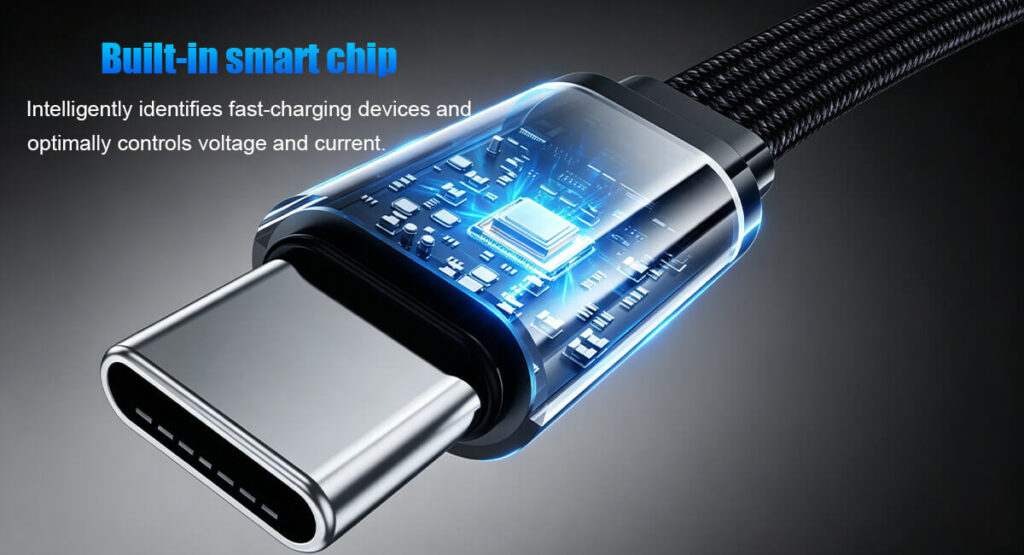
For cables supporting 5A (100W+) PD, there is a tiny chip called an E-Marker. This tells the charger: “I am capable of 5A safely; don’t send more.” This chip does not care if you are using PD or QC; it just caps the amperage. For QC, which often uses lower amps and higher voltage (e.g., 12V/2A), an E-Marker is unnecessary.
The 56K Ohm Pull-up Resistor:
In USB-A to USB-C cables, a 56k Ohm resistor is crucial. It tells a USB-C device (like a laptop) that the cable is legacy and cannot handle high current without negotiation. If a cable lacks this, you risk frying the port. This is a hardware issue, not a protocol issue.
SEO Takeaway: When searching for a cable, ignore “PD Cable” and “QC Cable” labels. Search for “USB-C to USB-C Cable 5A 240W” or “USB-A to USB-C Cable with 56k Resistor.” These are guaranteed to support all fast-charging protocols.
6. The Exceptions: Proprietary Protocols (VOOC, SuperVOOC, Warp Charge)
Here is the spanner in the works. While PD and QC cables are interchangeable, proprietary protocols are not.
- OPPO/VOOC and OnePlus Warp/Dash Charge: These use a modified USB-A connector with an extra pin. They push high current (5A or 6A) instead of high voltage.
- The Catch: If you use a standard USB-C to USB-C PD cable with a OnePlus charger, it won’t warp charge. Similarly, if you use a OnePlus proprietary cable with a PD charger, you will likely get 5V/2A.
Why this matters: If you own a Chinese-brand flagship phone, you often need the specific cable and specific brick that came in the box to get “ultra-fast” charging. However, these phones almost universally support standard PD or QC for universal slow charging.
7. The USB-IF Mandate: How PD 3.0 Changed the Game
In recent years, the USB-IF decided to address the fragmentation. They introduced USB PD 3.0 with a feature called “Programmable Power Supply” (PPS) .
PPS allows the charger to change voltage in 20mV steps. This is precisely what QC does, but over the CC pin.
Here is the kicker: Qualcomm officially integrated PPS into Quick Charge 4 and 4+. This means that a QC 4.0/4+ device is actually using a modified form of USB PD to achieve fast charging.
What does this mean for you?
- If your phone supports QC 4.0 (e.g., Snapdragon 845/855/888 devices), you can use a standard USB PD 3.0 PPS charger to get fast charging. The phone recognizes the PPS voltage adjustments as “legitimate” even though it says QC on the box.
- However, if you have an older QC 2.0 or 3.0 phone, it still doesn’t speak PPS. It only speaks the old D+ voltage language.
So, the compatibility only works one way: New PD (PPS) chargers are backward compatible with QC 4.0+, but not older QC versions. And standard old PD chargers (non-PPS) are still incompatible with old QC phones.
8. Real-World Scenarios: What Happens When You Mix and Match?
Let’s apply this theory to real life.
Scenario A: MacBook (PD) + QC 3.0 Brick (USB-A)
- Result: The MacBook will charge, but very slowly (5V/1.5A or 7.5W). It won’t recognize the QC signal because there is no CC pin negotiation on the USB-A side.
Scenario B: Samsung Galaxy S23 (PD/PPS) + QC 3.0 Brick
- Result: Charges at 5V/2A (10W). The S23 supports PPS, but the QC 3.0 brick doesn’t have PPS, nor does it have a CC pin. No fast charge.
Scenario C: Xiaomi 12 (QC 4.0) + 65W GaN PD Charger (with PPS)
- Result: Fast charging is achieved. The phone sees the PPS voltage adjustments and recognizes them as acceptable. (Typically you get 18W-27W).
Scenario D: iPhone 16 (PD) + OEM QC 3.0 Car Charger
- Result: Standard 5W or 7.5W charging. iPhones use PD, not QC, so they ignore the D+ negotiation.
9. Buying Guide: What to Look For in 2026
If you only take away one section, let it be this.
When buying a Cable:
- For Laptops: Look for “USB-C to USB-C 5A” or “240W rated.” This guarantees E-Marker support.
- For Phones: Look for “USB-A to USB-C 3A.” It will charge almost anything fast.
- Warning: Avoid cables that say “Only for Charging” unless you just need power. If they lack data pins, they may not negotiate QC at all (since QC uses data pins). Buy a cable that supports USB 2.0 data transfer at a minimum.
When buying a Charger (Wall Brick):
This is where it matters. Look for these three things:
- PD 3.0 + PPS Support: This is future-proofing. It ensures compatibility with iPhones, Samsung devices, and QC 4.0+ Android phones.
- Multi-Protocol Support: Check the fine print. Does it list “Quick Charge 3.0” or “AFC” (Samsung)? If you see these listed, it means the chip inside has the ability to switch languages.
- Total Wattage: Don’t buy a 100W charger if your phone only does 18W. The phone will only pull 18W. However, a higher wattage doesn’t hurt.
10. The Future: USB PD 3.1 and the End of Fragmentation
The tech industry is aggressively moving toward a unified standard. USB PD 3.1 now supports up to 240W, making it viable for high-end gaming laptops. Qualcomm has largely pivoted away from advocating for QC as a separate standard; instead, they are promoting QC 5.0, which is essentially a layer on top of USB PD.
The prediction: Within the next 2-3 years, “QC” will become a legacy buzzword. All chargers will be PD-based, and “PPS” will handle the fine voltage tuning previously done by QC.
However, the “PD vs. QC Cable” question will remain irrelevant. Because regardless of the protocol, the future is Type-C. As long as the cable is certified for high amperage, it will work for both.
Lider Final Summary Checklist
- Cables: Buy high-current (3A or 5A) cables. Ignore protocol labels.
- Protocols: PD is the future (Laptops/iPhone). QC is legacy (Older Android).
- Compatibility: Old QC devices don’t work with PD chargers unless the charger has a dedicated QC chip in the USB-A port.
- PPS: If your charger has PPS, it effectively bridges the gap for any phone released after 2019.
- Safety: Mixing chargers will not damage your battery. USB standards force a fallback to the safe 5V default.
Final Rule of Thumb: If you want the fastest speeds, use the cable and brick that came with the device. If you want universal performance, buy a GaN Charger with PD 3.0 PPS and a 5A USB-C cable. That combination will charge 99% of the devices on the market today at the fastest possible speed they support.