
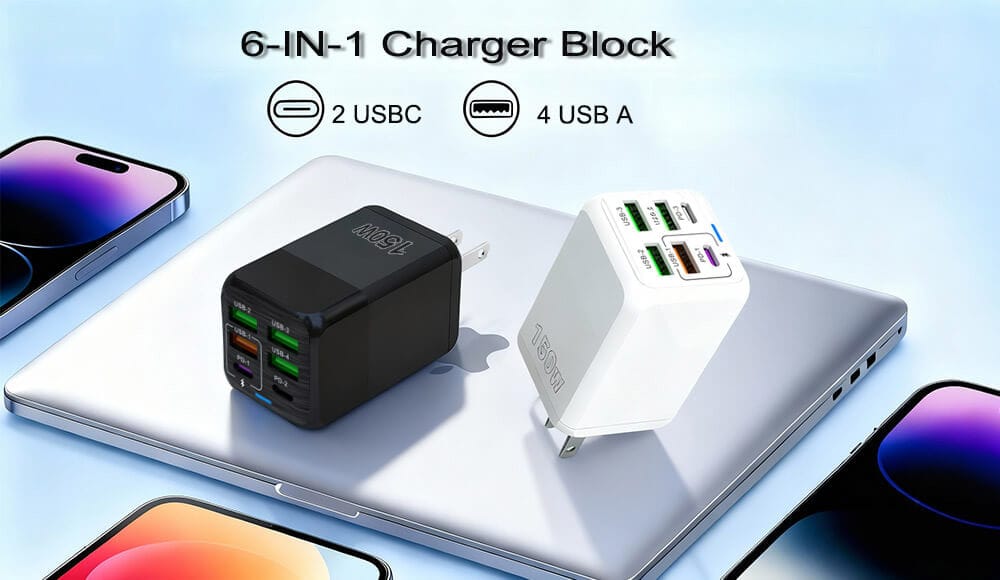
Your phone charger is one of those everyday gadgets you never think about – until it stops working. But waiting until it dies completely could be a costly mistake. A failing charger doesn’t just charge slowly; it can damage your phone’s battery, cause data loss, or even create a fire hazard.So, when should you replace your phone charger? In this guide, we’ll cover seven clear warning signs, safety concerns, and how to choose a reliable replacement.
Why You Shouldn’t Ignore a Faulty Charger
Most people keep using the same charger for years, long after its performance has dropped. But a damaged or aging charger can:
- Destroy your phone’s battery health (faster degradation)
- Deliver unstable voltage that fries internal components
- Overheat and potentially melt or catch fire
- Damage your wall outlet or power strip
Replacing a charger costs $10–30. Replacing a phone? Hundreds. The math is simple.
7 Signs It’s Time to Replace Your Phone Charger
1. Your Phone Charges Very Slowly (Even on Fast Charger)
If your phone used to go from 0% to 50% in 30 minutes but now takes two hours on the same travel charger, something is wrong. Try a different charger first. If the problem disappears, your original charger is failing.
Why this happens: Internal wires or capacitors degrade over time, reducing power output.
2. The Charger Gets Unusually Hot
A slight warmth during fast charging is normal. But if your charger brick or cable becomes too hot to touch or smells like burning plastic, stop using it immediately. Overheating chargers are a serious fire risk. Replace them right away.
3. Physical Damage – Frayed Cables, Bent Pins, or Loose Connections
Inspect your charger regularly:
- Frayed or exposed wires – Copper visible? That’s a short circuit waiting to happen.
- Bent USB prongs – Won’t stay in the wall outlet.
- Loose charging port connection – You have to wiggle the cable to get a connection.
Any physical damage means it’s time to replace your phone charger before it sparks or shocks you.
4. Intermittent Charging (Stops and Starts)
Does your phone connect and disconnect repeatedly when plugged in? That “charging – not charging” cycle stresses your battery and means internal wiring is broken. A new charger will solve this instantly.
5. Your Phone Says “Accessory Not Supported” or “Slow Charger”
Modern iPhones and Android devices detect faulty chargers. If you see warnings like:
- “This accessory may not be supported” (iOS)
- “Slow charging – use original charger” (Android)
The charger is failing safety protocols. Replace it before it miscommunicates voltage to your phone.
6. Visible Rust or Corrosion on Metal Parts
Humidity or liquid damage can rust the USB connector or wall prongs. Rust increases electrical resistance, causing heat and inefficient charging. Once corroded, the charger is unsafe.
7. You’ve Had the Same Charger for More Than 2–3 Years
Even without visible damage, chargers wear out internally. Capacitors dry out, soldering weakens, and power delivery becomes unstable. If your charger is older than your last phone, it’s time for an upgrade – especially if you’ve moved to a device with USB-C or faster charging standards.
Can a Bad Charger Ruin Your Phone’s Battery? Yes.
Many people blame their phone battery for poor life when the real culprit is the charger. A faulty charger delivers unstable voltage – spikes and dips that force your battery management system to work overtime. Over weeks, this permanently reduces your battery’s maximum capacity.
In extreme cases, a cheap or damaged charger can destroy the charging IC (integrated circuit) on your phone’s motherboard, requiring expensive repair or replacement.
Should You Replace Just the Cable or the Whole Charger?
It depends:
- If only the USB cable is frayed → Replace just the cable (if it’s detachable).
- If the wall adapter gets hot or sparks → Replace the entire charger block.
- If you upgraded to a newer phone → Replace the whole system to get fast-charging compatibility (e.g., 20W+ for iPhones, 25W+ for Samsung, 30W+ for Pixel).
Pro tip: Many modern phones (Pixel, Galaxy S series, iPhones) come without a charger in the box. Don’t use old 5W/1A chargers – they’re too slow and can actually overheat because they run at max capacity for hours.
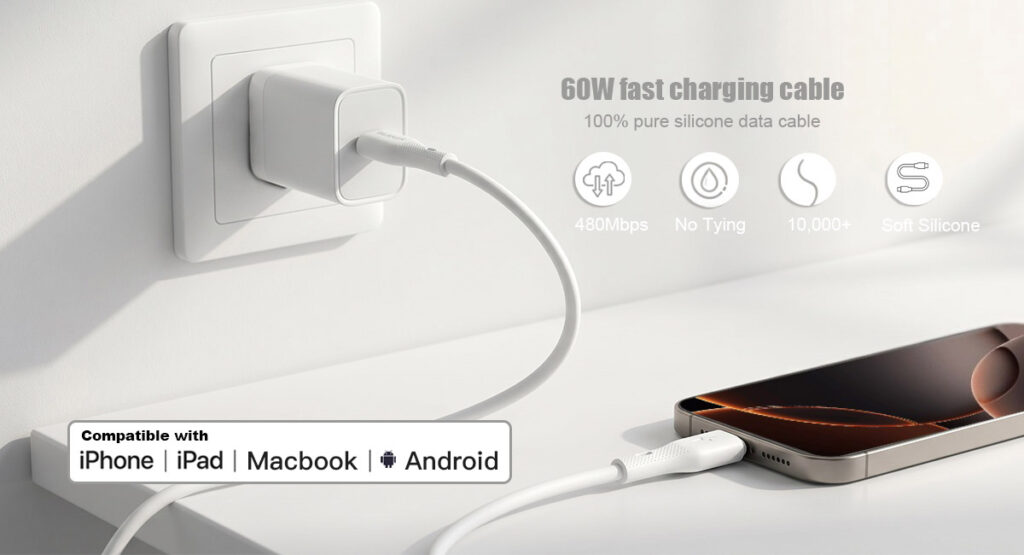
How to Choose a Safe Replacement Charger (Avoid Fire Hazards)
Not all home chargers are equal. Follow these rules when buying a new one:
✅ Look for Safety Certifications
- UL Listed (US safety standard)
- CE (Europe)
- RoHS (toxic material-free)
- Made for iPhone (MFi) for Lightning cables
Avoid random $2 chargers from gas stations – they often lack proper insulation and overcurrent protection.
✅ Match Your Phone’s Fast Charging Standard
- iPhone → USB-C to Lightning + 20W+ PD (Power Delivery)
- Samsung → USB-C to USB-C + 25W PPS
- Google Pixel → USB-C PD 18W–30W
- OnePlus/Oppo → proprietary VOOC/SuperVOOC
- Other Androids → USB-C PD or Qualcomm Quick Charge
✅ Buy from Reputable Brands
Anker, Trunker, Belkin, Spigen, Aukey (older stock), Samsung, Apple, Google, Ugreen, Baseus. These undergo real safety testing.
How Often Should You Replace Your Phone Charger?
| Situation | Recommended Replacement Interval |
|---|---|
| Heavy daily use (gaming, streaming while charging) | Every 12–18 months |
| Light use (charging once a day at desk) | Every 2 years |
| Visible damage or heat | Immediately |
| After any power surge or lightning storm | Check for damage, replace if acting weird |
FAQ: Quick Answers on Replacing your Phone Charger
Q: Can I use a higher wattage charger than my phone needs?
A: Yes. Modern phones only draw the power they need. A 65W laptop charger is safe on a phone.
Q: Why does my new charger work fine but then stop after a month?
A: You likely bought a counterfeit. Buy from authorized sellers only.
Q: Is it safe to leave a charger plugged in without a phone?
A: It’s not dangerous for quality chargers, but it wastes tiny amounts of electricity and adds wear. Unplug if you’re away for days.
Q: My phone says “moisture detected” – do I need a new charger?
A: That’s usually a phone issue (humidity in port). But if it happens with dry cables, your charger might be leaking voltage. Try a different charger to isolate.
Conclusion: When in Doubt, Throw It Out
Your phone charger is cheap. Your phone, data, and home safety are not. If you see any of the seven warning signs – slow charging, heat, physical damage, intermittent connection, error messages, rust, or age over 2 years – replace your phone charger today.
Don’t wait for a melted port or a small electrical fire. A $15 investment every couple of years is nothing compared to the headache of a dead phone or worse.
Final tip: Keep a spare charger at home and in your car. That way you’re never tempted to use a damaged one “just one more time.”