
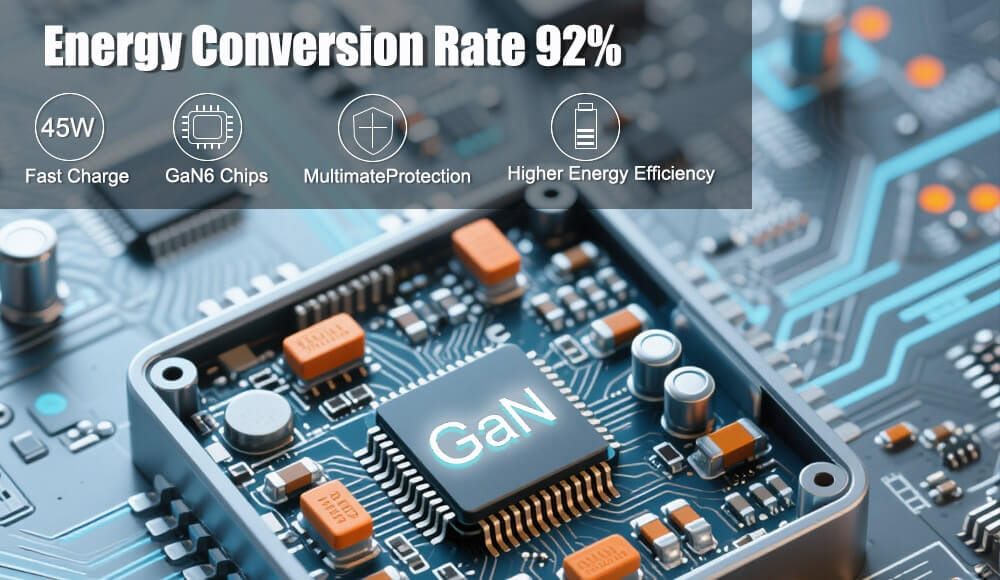
Power Management IC – Ever wondered why your phone charges slower when it’s hot, or why the back feels warm when you’re watching a video while plugged in? And what about those rare but terrifying news stories of phones catching fire? The answers lie inside a tiny, unsung hero: the Power Management Integrated Circuit, or PMIC.
About the size of a fingernail, your phone’s PMIC is the nerve center for all things energy-related. It’s not the battery itself; it’s the intelligent traffic controller that decides where every electron should go. Understanding this chip explains almost every strange charging behavior you experience daily.
1. Why Your Phone Doesn’t Charge Linearly (The 0-100% Mystery)
You’ve noticed it: your phone zooms from 0% to 50% in 20 minutes, but the last 20% takes an hour. This isn’t a conspiracy—it’s your PMIC protecting your battery’s lifespan.
- Constant Current (CC) Stage (0-70%): When your battery is low, the PMIC (Power Management IC) opens the floodgates. It sends the maximum safe current into the battery, generating the fastest charging speed.
- Constant Voltage (CV) Stage (70-100%): As the battery fills, forcing more energy in risks creating lithium plating (a major cause of battery failure). The PMIC shifts to a trickle—steadily lowering the current while keeping voltage constant. This is why those final percentage points feel glacial.
Real-life scenario: You plug in at 5% before a meeting. The Power Management IC pushes a fast “top-up” charge for 10 minutes, giving you 40% battery. An hour later, it’s still slowly climbing to 100%. That’s not a bug; it’s smart chemistry in action.
2. The Heat Question: Why Does Charging Make Your Phone Feel Like a Hand Warmer?
Heat during charging is normal—to a point. Your PMIC (Power Management IC ) and charging circuitry aren’t 100% efficient. When you convert 18-watt, 9-volt fast-charging energy down to the 4.2-volt energy your battery needs, waste heat is inevitable.
But three factors dictate how hot your phone gets:
- Voltage conversion loss. The bigger the voltage gap (e.g., Qualcomm Quick Charge vs. standard 5V), the more heat the PMIC handles.
- Simultaneous heavy use. If you play Genshin Impact or run GPS navigation while charging, the battery is both receiving energy (charging) and discharging it (running the game). This double strain forces the PMIC to work overtime.
- Wireless charging. Wireless pads are about 60-80% efficient; the missing 20-40% becomes heat, often right next to the PMIC.
When heat becomes a problem: Your phone has thermal sensors that talk directly to the PMIC. If internal temperatures exceed ~45°C (113°F), the PMIC will throttle charging speed—sometimes down to a crawl—or pause charging entirely until it cools down. Next time your phone says “charging paused due to high temperature,” thank the PMIC for preventing a meltdown.
3. The Fire Risk: How Your Phone’s PMIC Can Save (or Endanger) Your Life
Lithium-ion battery fires are rare but terrifying. Most people assume it’s always the battery’s fault. In reality, the PMIC is the first line of defense.
How a Healthy PMIC Prevents Fires:
- Overvoltage protection (OVP): If your cheap car charger spikes to 7V, the PMIC instantly cuts the connection, often within microseconds.
- Overcurrent protection (OCP): If a damaged USB cable shorts, the PMIC detects the surge and shuts down the charging path.
- Thermal regulation: As mentioned, it slows or stops charging when too hot.
- Battery gauge safety: It monitors battery voltage cell by cell. If one cell becomes unbalanced (over 4.2V), it triggers a fail-safe.
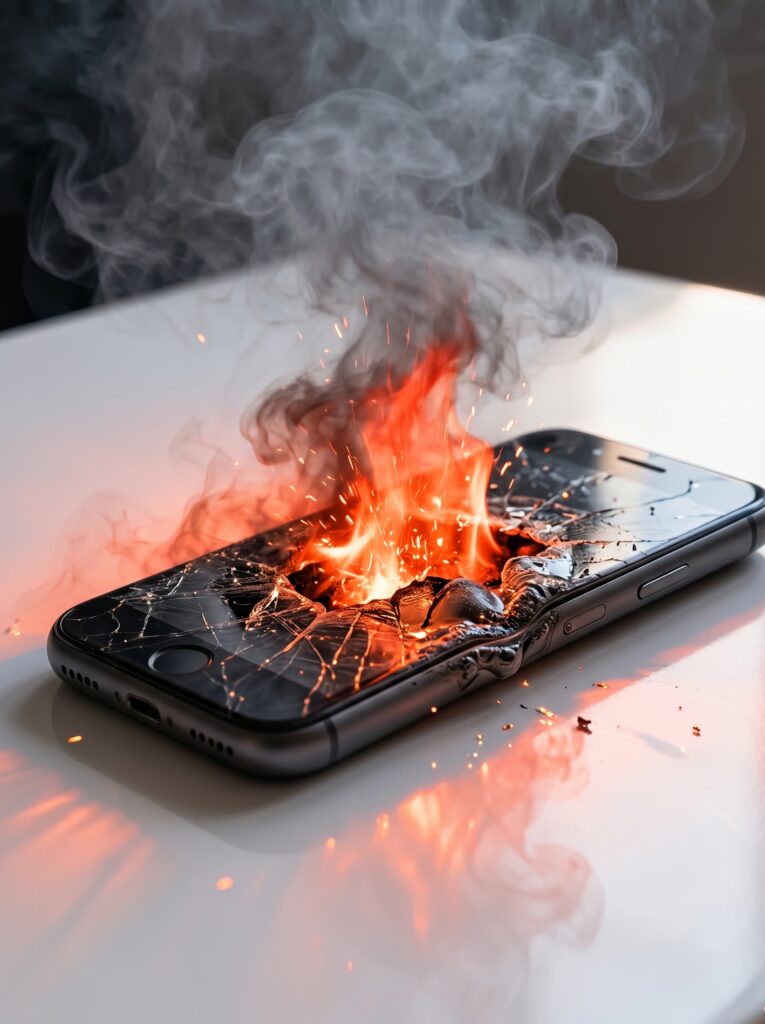
When Things Go Wrong (And Phones Catch Fire):
A PMIC can’t fix physical damage. Almost all phone fires involve a punctured or swollen battery combined with continued charging. Here’s the deadly sequence:
- You drop your phone, creating a tiny internal short inside the battery.
- The PMIC doesn’t know this—electrically, the battery still looks normal.
- You plug in to charge overnight.
- The internal short causes runaway heat, but the PMIC’s thermal sensor is outside the battery. By the time the sensor reads high heat, the battery has already entered thermal runaway—a self-sustaining chemical fire.
User error also plays a role: Using a counterfeit charger with no PMIC-like protection (just raw power) can force energy into a phone even when its internal PMIC is failing. That’s why original or certified chargers (USB-IF, MFi) matter.
4. Other Daily Mysteries Explained by the Power Management IC
- Phone shuts down at 20% in cold weather: Cold increases internal resistance. The PMIC calculates remaining power based on voltage, not actual energy. It shuts down early to preserve battery health.
- Battery percentage drops from 15% to 5% instantly: The PMIC “guesses” capacity via coulomb counting. After many charge cycles, this guess drifts. A full 0-100% charge recalibrates the PMIC’s internal model.
- Fast charging “stops” at 80% (OnePlus, iPhone optimized charging): Some PMICs learn your habits. If you usually unplug at 7 AM, it will hold at 80% until 6 AM, then finish the last 20%. This reduces time spent at high voltage, doubling battery lifespan.
5. Practical Tips: How You Can Help Your Power Management IC Keep You Safe
You can’t control the PMIC directly, but your habits influence its workload:
- Remove thick cases when fast charging. Trapped heat ages the battery and forces the PMIC to throttle.
- Don’t charge on soft surfaces (beds, sofas). Blankets insulate heat, raising internal temperatures faster than the PMIC can dissipate.
- Stop using swollen batteries immediately. If your screen is lifting or back is bulging, the battery has failed. No PMIC can override physics.
- Stick to certified chargers. A bad charger can confuse the PMIC’s negotiation protocol, forcing it into a less safe charging mode.
- Unplug your phone when it is too hot to touch. Over 50°C (122°F) on the outer shell means the PMIC is likely struggling or damaged.
Conclusion: Respect the Tiny General Power Management IC
Your phone’s power management IC isn’t glamorous—it doesn’t appear in spec sheets next to “120W HyperCharge” or “5000mAh battery.” But it’s the reason your phone hasn’t exploded, why your battery lasts for years, and why you can safely fall asleep while watching Netflix with the charger plugged in.
The next time your phone feels warm or takes forever on that last 10%, remember: that tiny chip is running a real-time, million-dollar safety routine, balancing speed, heat, and chemistry so you can scroll on without a care. Treat it well—use proper chargers, avoid extreme heat, and never ignore a bulging battery—and it will silently protect you and your phone for years. Check Frequently Asked Questions about Chargers for more.
Lider works on GaN chargers, USB cables and more. Contact us for phone accessories customization now.